Problem
The information exists. Nobody knows where.
On an IT department project, what you need to know is written down, spread across Jira, Confluence, GitLab, Swagger and SharePoint. Each tool holds a piece, none holds the whole, and much of what was written is never updated.
So everyone asks the question again. A newcomer takes weeks to understand what they are walking into. A manager decides without having seen everything. And the people who know spend their days repeating what is already written somewhere.
There is too much written down, and no place to read it together.
Naming
Why Meridian
A meridian is the line that connects two opposite poles. The name says what the product does, bringing onto one axis systems that have no link between them.
That word gave the interface its shape. Exchanges run down a single axis. The reader can trace the enquiry back from start to finish.
Design
An agent that cites its sources
In a work setting, an answer nobody can check is worth nothing, and I designed the interface from that constraint. The screen shows first where the answer comes from, and the conversation moves to the background.
Meridian answers with composed documents. Every statement carries a numbered marker that points to a column on the side. Hovering the marker lights up its source, and hovering the source lights up the marker. Sources have their own column, level with the passage they support.

Making the index visible
Meridian can only answer on what it has read. So the list of sources takes a whole screen. The reader sees, for each system, what has been read and when. A source that has gone down is noticed right away. Without that, the reader cannot know what the answer is missing.


Capturing what is written nowhere
The Orange workforce is ageing, and the company loses the knowledge of those who leave. Hence a handover feature. Before a departure, a dedicated agent runs a short interview, then files what it has gathered into the project knowledge base.
The card it produces joins the index and is cited like any other source. What one person had in their head becomes an answer for whoever picks up the subject two years later.

Technical scoping
3 choices left to the sponsor
The architecture decision was not mine. My work was to lay out the options with what each one costs, so the decision maker could choose knowing the trade-offs. 3 trade-offs, so 8 possible combinations.
| Trade-off | Option A | Option B | What it changes |
|---|---|---|---|
| Tool access | Direct connectors through MCP |
Periodic ingestion | The connector reads at the moment of the question and inherits the user's permissions. Ingestion spares the source tools, but the index ages and permissions have to be copied over. |
| Search | Prior document retrieval (RAG) |
Context supplied directly | Prior retrieval reduces what goes to the model, so the cost per question, and everything then rests on the quality of the recall. Direct context removes that step and costs more on every call. |
| Aggregation | Secondary agent for synthesis | Aggregation inside the main agent | A dedicated agent cross-references sources better. It adds one model call and some latency to every answer. |
Outcome
Where it stands
Meridian never went past the study stage. No development team was assigned to it. It stopped at scoping, with the mockups, the user journey, the compared architectures and the defined features.
I will not see it actually start. Project launches take time in an organisation this size. This one was waiting for a resource decision that did not come during my apprenticeship.
Method
Nine journey studies in two years
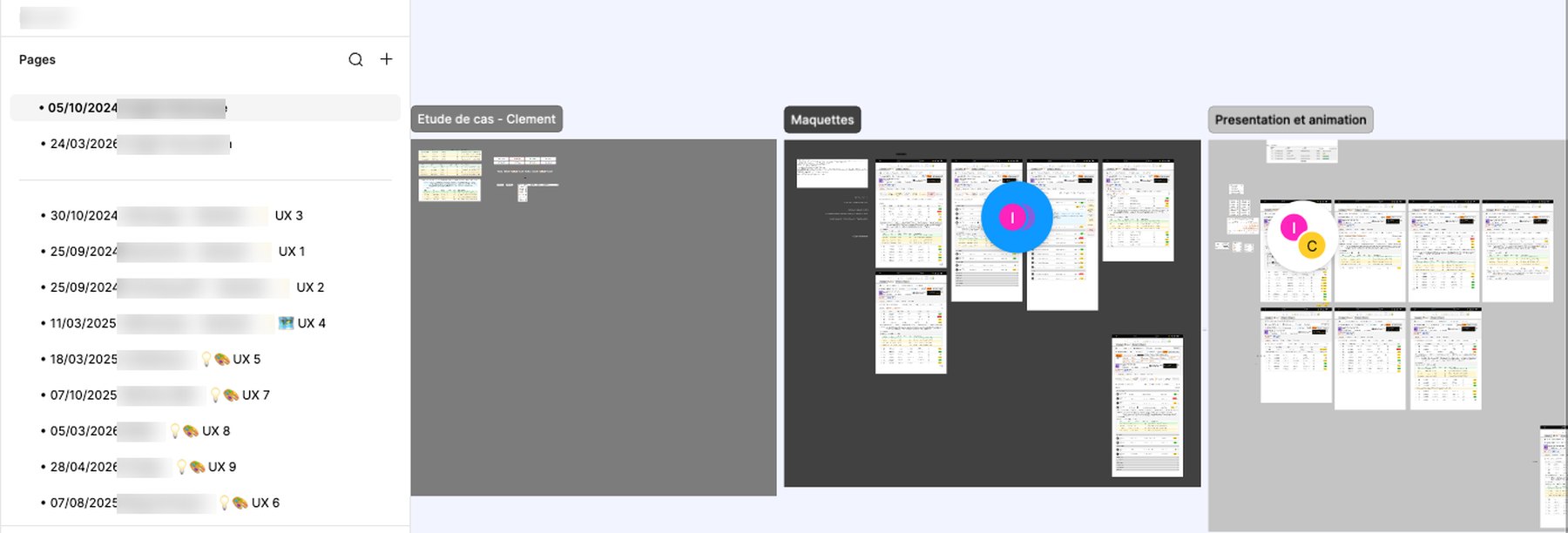
My work at Orange was that of a Business Analyst and UI UX Designer in the IT department. I ran nine journey studies between September 2024 and April 2026, each on one screen or one function of the information system. They all fit in a single Figma file, one page per study. Meridian came on top of that, backed by one of my managers who wanted to see how far the idea held.
Nobody had ten minutes for a specification document. So I started with the name, then with an image of the interface, and the screens came after. I would do the work in that order again.